
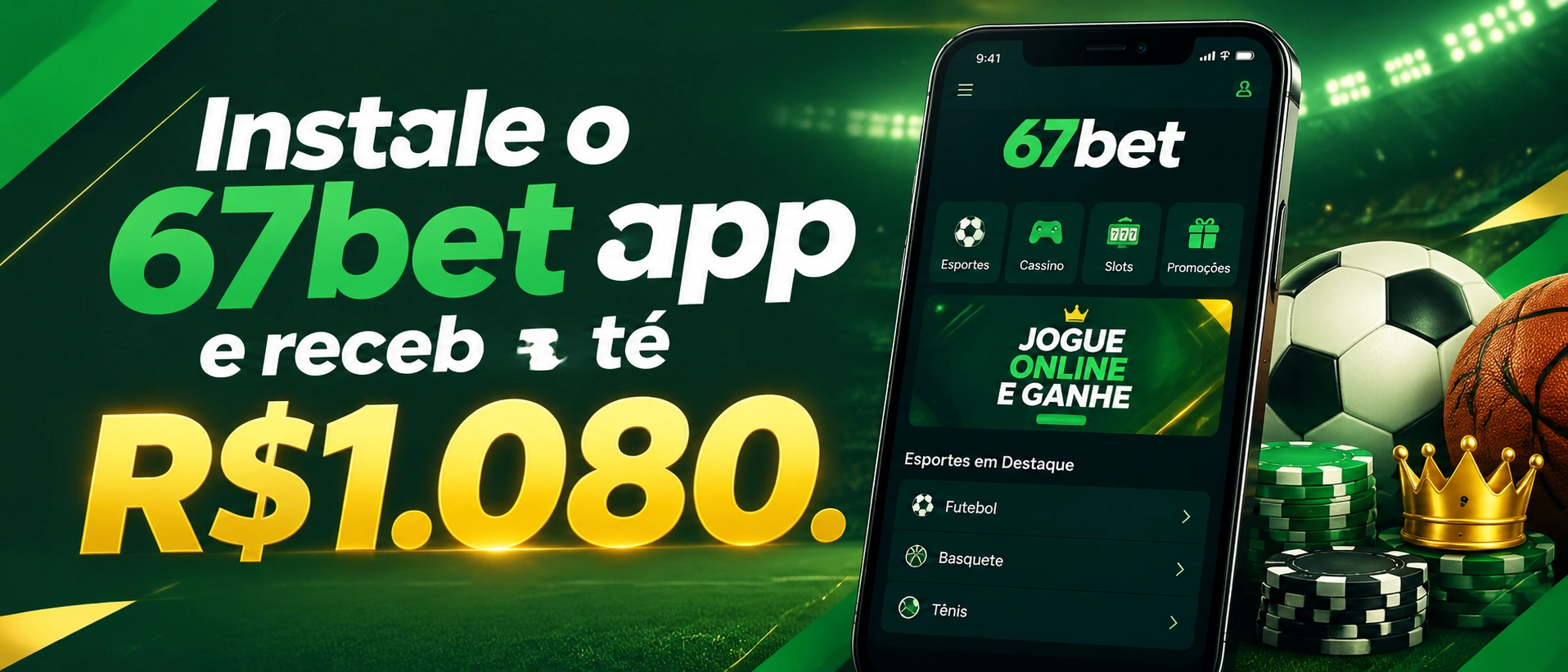
67bet App: mobile access, Android, iOS, and use on your phone
If you prefer to enter through your phone, this page brings together what matters about the 67bet in the mobile environment: access methods, the difference between a native app and a home screen shortcut, browser navigation, account, PIX, games, and basic security care. The focus is practical. No empty promises.

Why use 67bet on your phone?
The phone is usually the most natural entry point for those who want to check their balance, open a promotion, review their account, or return to a game without relying on a computer. In everyday life, this changes the routine. Instead of waiting for the “right” moment, you access it when it makes sense: during a work break, on the commute, or at home.
The real gain is not in exaggerated speed. It is in practicality. A smaller screen can be more direct when the menu organizes account, deposit, withdrawal, bonus, and game categories in just a few taps. For those who already navigate mobile well, this sequence saves steps.
The main point of mobile use is not to “have something different,” but to reduce friction. You enter, check what you need, and decide with less screen switching.
It is also worth separating the formats. A responsive page in the browser solves a lot of things. A shortcut added to the home screen speeds up the return to the site. A native application, when it truly exists, is a different product and needs to be identified clearly. Mixing the three creates the wrong expectation.
Where can you find the official 67bet access?
In the environment you are seeing now, the safe path is to start from the internal pages already available on the site itself. For mobile navigation, the most direct reference is the area /app/, which concentrates the explanation of phone access. For general questions, also use FAQ and contact.
When a site presents different usage versions, caution starts with the address. Check whether you are inside the correct domain, whether the page loads without suspicious shortcuts, and whether the options shown match what the content describes. It is not worth treating a browser shortcut as if it were a native app. It is also not worth assuming that every mobile interface comes with a separate installation.
Quick reading before tapping any button
If the screen says app, confirm whether there is a file, official store, or installation instructions. If the screen only opens the browser, access is still valid, but it is not the same as an app installed on the device.
Android, iPhone, and browser: three different paths
Those who use Android usually have more shortcut options, installation via browser, and direct access to the site. On iPhone, the experience tends to be more conservative regarding installation, so Safari and the home screen shortcut may be the most common option. In both cases, the browser remains a useful and legitimate way to play on your phone.
If there is a native app in some future version of the site, it needs to be shown as a separate installation. Until then, the most correct way is to talk about mobile access, not an “mandatory app.” This avoids confusion between a real app, a shortcut, and a site adapted for a small screen.
| Format | How it appears | When it makes sense |
|---|---|---|
| Native app | Separate installation on the device | Only if there is an official source and clear instructions |
| Home screen shortcut | Icon that opens the site page | When you want to return quickly without typing the address |
| Browser | Direct use through the browser | When the priority is convenience and immediate access |
How to install without confusing site, shortcut, and app
If the goal is to use 67bet on a mobile phone in a stable way, start with the basics: open the site in the browser, check whether the navigation is consistent, and only then decide whether it is worth pinning the access to the home screen. This step creates speed without promising something that has not been confirmed as a native app.
On Android, the most common flow is this: open the site, check whether the browser offers the option to add it to the home screen, and save the shortcut. On iPhone, the logic is similar in Safari, using the share function to include the shortcut. In both cases, the goal is to reduce return time, not turn the shortcut into a store app.
- Open the 67bet mobile access in your phone's browser.
- Check whether the content loads clearly and whether the menus respond well to touch.
- If you want quick return, use the browser option to add it to the home screen.
- Test the shortcut and confirm that it opens the correct page, without strange redirects.
- If something seems off, go back to the main address before continuing.
For questions about official pages and internal paths, it is worth comparing with the sections of FAQ and contact.
Account, PIX and profile use on mobile
Mobile access is not only for opening games. It also helps take care of the practical side of the account. The registration flow shared by the site includes options such as Login and Register, use of phone with prefix +55, password and confirm password. In the profile, areas such as balance, bonus received today, deposit, withdrawal, VIP, rebate and agent statistics appear.
In the payments section, the site states the existence of PIX-1, PIX-2, PIX-3 and PIX-4, with value entries between R$ 10 and R$ 50.000 and fast values displayed in the interface itself. That does not mean that all mobile experiences are identical, but it shows that the account base was designed for mobile use.
If you use your phone to organize deposits, track balance, or check the profile area, the secret is to keep the process simple and always within the correct domain.
About withdrawals, the site shows the entry for support and the account area, but there are not enough public details here to state a deadline, fee, or specific method. It is better to follow the information that is available and avoid assumptions.
Practical summary of the account on mobile
Use your phone to log in, review the profile, check today's bonus, observe the balance, and access the deposit or withdrawal areas without switching devices.
Games on mobile access: what to expect
The categories listed by the site are slot, live casino, table games and sports. For those who enter through mobile, this is useful because it organizes the path without requiring much navigation. You can go straight to the type of content you want to see.
In slot, the movement usually revolves around lines, special symbols, Wild and Scatter. In table games, the reading is closer to the classic logic of cards, roulette, or other variations available in the catalog. In live casino, contact with the table happens in a continuous flow, so connection stability matters more. In sports, the focus shifts away from spinning and toward reading odds and events.
It is important not to overstate the promise. Having the categories listed on the site does not mean the same set will appear exactly the same on any screen or in any access version. What matters is that mobile access works clearly to locate the desired game type.
First deposit bonus and promotions on mobile
The welcome bonus remains a central point of the site. The rule shared here is the range of up to R$ 8888 on the first deposit, presented as a general promotional bonus, not as an exclusive app advantage. This means mobile access helps you view the offer, but it does not turn the promotion into a separate benefit just because you are on your phone.
In addition, the site brings together other actions already described on internal pages, such as promotions, bonuses and quick reference sections. If the idea is to follow updates on mobile, the shortcut to promotions and bonus is usually the most direct path.
In practice, the phone helps you avoid wasting time: you open the offer, read the conditions on the page itself, and decide calmly. It is better than relying on memory or loose messages outside the site.
Security of mobile access and privacy
Security here starts with the obvious: the correct domain, clean navigation, and attention to what is being opened. If the main page is 67bet, start the journey from it and avoid address copies from unknown sources. This matters even more when you think about adding a shortcut to the home screen.
Another useful precaution is to control browser permissions and review what the phone is allowing. If something asks for access that does not make sense for opening the page, stop and check. The same applies to installation: only save what is truly consistent with what the site shows.
To increase browsing confidence, consult the pages of privacy and terms. They help you understand how the site organizes its rules and what the user can expect from the environment.
A phone is not synonymous with haste. It is synonymous with quick access and extra attention to the address, the permission, and the path opened in the browser.
Common problems on mobile and how to solve them
If the site does not open, first test the connection and then refresh the page. If the loading looks strange, clear the browser cache or switch between Wi‑Fi and mobile data. If the home screen shortcut is not opening the correct content, remove it and create another one from the correct page.
When the question is about access, promotion, or account, the best solution is to go back to the internal pages available on the site itself. For quick reference, use FAQ and contact. This avoids relying on loose guidance on social networks or messages from third parties.
If the screen asks for a browser update, accept only what comes from the device’s official system. Do not try to bypass a security alert to force access. It is better to fix the source of the problem than to insist on a dubious path.
Responsible gaming on mobile
Using your mobile phone can make access easier, but it also requires clear limits. Set a usage time, keep track of your budget, and take breaks. If the session starts taking up more space than it should, stop for a moment and resume only when it makes sense.
The area of responsible gaming is the right place to remember that entertainment needs to fit into your routine. The mobile phone helps you get in easily; it is up to the user to decide when to stop.
Frequently Asked Questions
Is 67bet mobile access free?
Do I need to download a native app to use it on my mobile phone?
What is the difference between app, shortcut, and browser?
Does 67bet accept PIX on mobile?
Can I check bonuses and promotions on my mobile phone?
Is the first deposit bonus exclusive to the app?
Does the site show different games on mobile and desktop?
This page brings together the use of 67bet on mobile with a focus on practical navigation, account, PIX, promotions, and game categories. If you want to continue through the site, the most useful internal paths are in the menu itself and in the help, promotions, and responsibility areas.
Want to continue on mobile? Check the internal pages, review your account, and choose the access format that makes the most sense for you.
Open mobile access